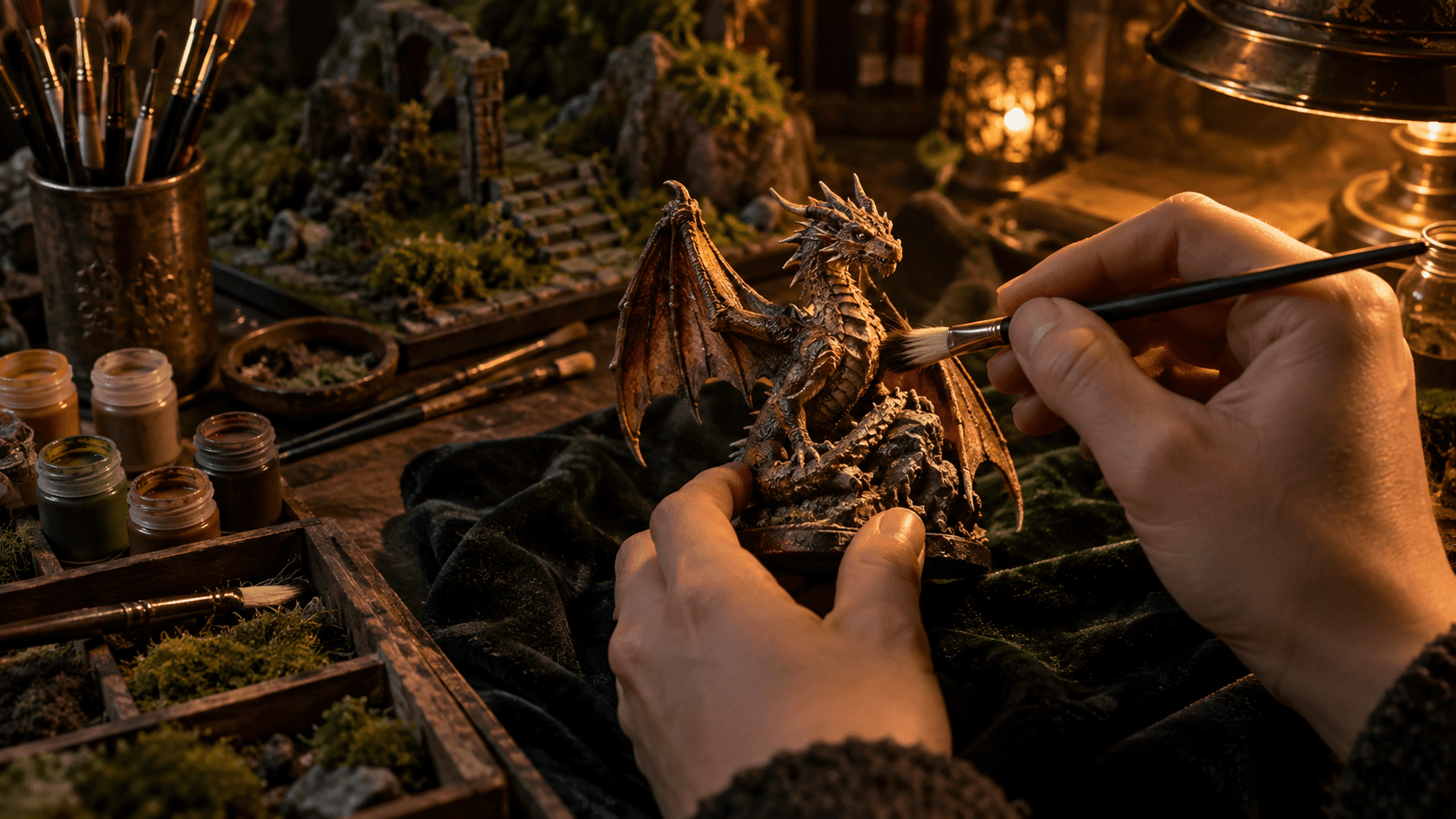
How to Make a Diorama with a Resin 3D Printer
Resin printers produce detail that even hand sculpting struggles to match — perfect for diorama bases, terrain tiles, props, and highly detailed figure accessories at any scale.
Resin 3D printing (MSLA/LCD technology) has transformed diorama making. Detail that was once only achievable by professional sculptors is now printable at home — brick walls with individual mortar lines, cobblestone streets, intricate architectural details, and character accessories at perfect scale. Here's how to use this technology for diorama work.
Why Resin (Not FDM) for Dioramas
Resin printers produce dramatically higher detail than FDM (filament) printers. The layer lines on a resin print at 50 microns are invisible to the naked eye; FDM at 100–200 microns requires significant sanding to eliminate. For figure-scale detail work — faces, fine architectural detail, intricate terrain textures — resin is the correct choice. FDM is better for large structural elements where resolution matters less (see our FDM diorama guide).
Entry-Level Resin Printers for Diorama Makers
- Elegoo Mars 4 / Mars 4 Ultra — the benchmark entry-level option. 9K or 12K screen resolution. Excellent for 28–54mm scale work
- Anycubic Photon Mono 4 Ultra — competitive specification, slightly smaller build plate
- Bambu Lab BX1 — mid-range option with improved workflow
- Phrozen Sonic Mini 8K — higher resolution for extremely fine detail at small scales
For diorama terrain tiles (which are larger and less detail-demanding), a base-spec Mars-tier printer is entirely sufficient. For highly detailed figure accessories, step up to 8K+ resolution.
Where to Find Diorama Files
- MyMiniFactory: the largest community for miniature and diorama STL files. Many free, many paid. Search "scenic base", "diorama", "terrain tile", and your specific theme (e.g., "urban terrain", "forest base")
- Cults3D: another large marketplace. Strong selection for scenic bases and props
- Patreon designers: Loot Studios, Epics 'N' Stuffs, Titan Forge, and hundreds of others release monthly themed STL packs including diorama elements
- Thingiverse: older community with many free files. Quality is variable
Slicing for Diorama Prints
Chitubox and Lychee Slicer are the main slicing applications for resin printing:
- Orientation: for flat scenic bases, print flat (parallel to the build plate). For vertical terrain elements, angle at 30–45° for better surface quality
- Supports for scenic bases: flat terrain bases can often be printed hollow with a few internal supports. This saves resin and reduces warping
- Wall thickness: for hollow prints, 1.5–2mm wall thickness is the minimum for a stable diorama base
- Exposure settings: use manufacturer-recommended settings first, then dial in with a test print (AML or Cones of Dunshire calibration prints)
Washing and Curing
Resin prints must be washed (to remove uncured liquid resin) and then cured (UV light to fully harden). Use an automatic wash-and-cure station (Elegoo Mercury Plus, Anycubic Wash & Cure). Wash in isopropyl alcohol for 5–8 minutes, allow to dry completely, then UV cure for 3–5 minutes per side.
Safety: wear nitrile gloves when handling uncured resin. Work in a ventilated space. Dispose of IPA waste responsibly — expose it to sunlight to cure suspended resin particles before disposal.
Preparing Resin Prints for Painting
- Remove supports carefully with flush cutters. Sand any support nubs smooth with 400 grit
- Check for print failures — layer separation, missing detail, elephant foot on the base. Minor issues can be filled with Green Stuff or UV-cure resin
- Prime with rattle-can grey primer — this both reveals surface issues and gives paint something to grip. Resin is otherwise very smooth and paint can peel
- Paint as normal with any acrylic system
Combining 3D Prints with Traditional Terrain
The best dioramas often combine resin prints (for high-detail elements) with traditional terrain materials (for organic textures that printing struggles with). Print the architectural elements, cobblestones, and props. Add natural terrain materials — real sand, static grass, Green Stuff mud, Vallejo texture gels — for earth, vegetation, and water. The combination of precision printing and natural materials produces results neither approach achieves alone.
Discover Our Magical Figures
Hand-painted limited-edition collectibles crafted for true collectors.
Browse the Collection